BASED IN TORONTO, CA.
4:37:56 UTC
phoebe wang.

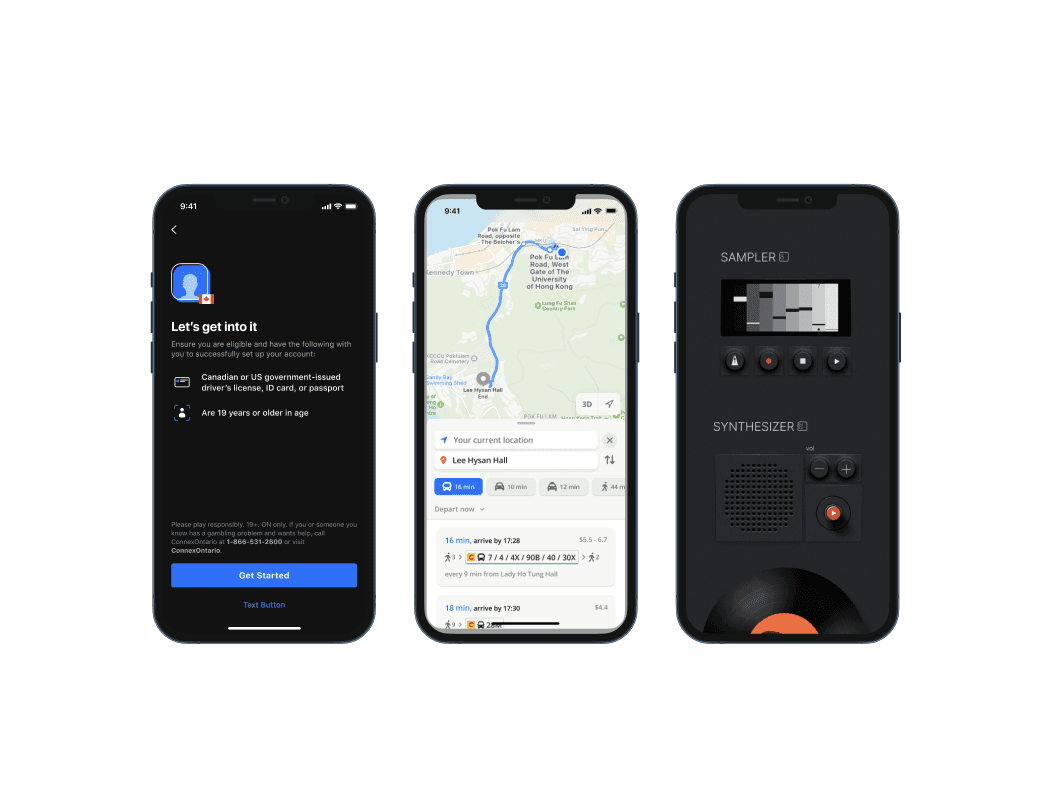
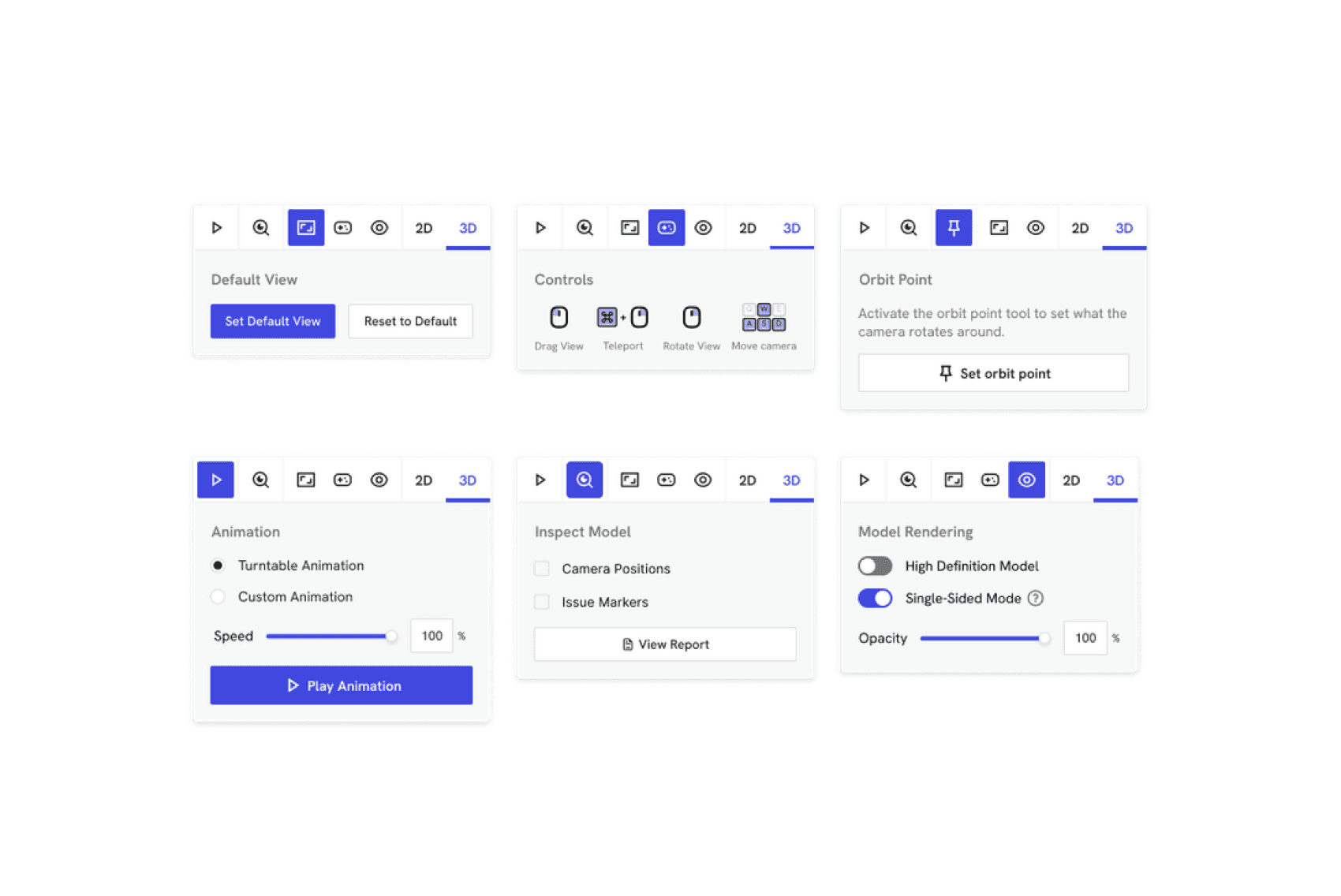
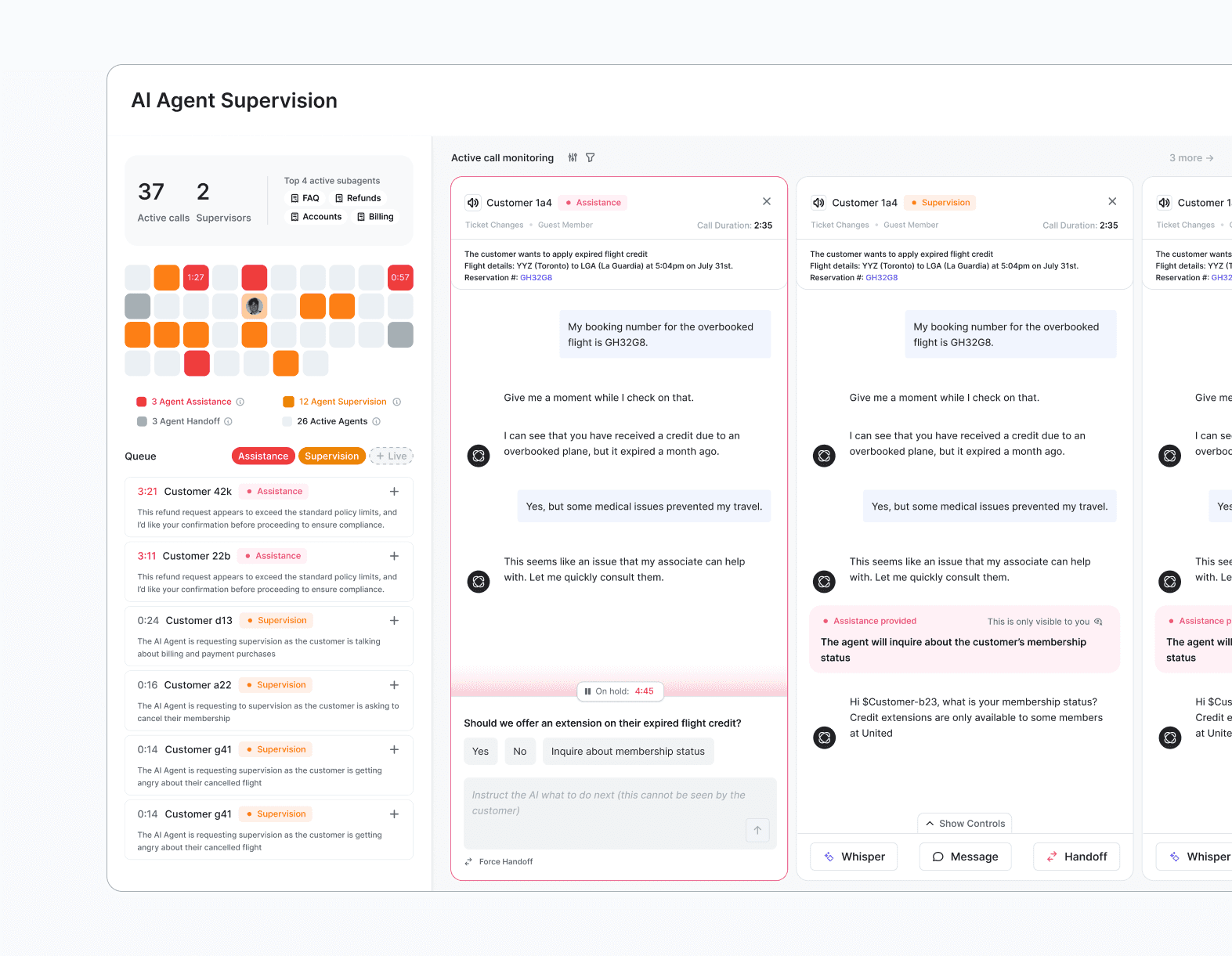
Our product was scaling fast. We were too feature-dense, and customers couldn’t figure out how to use these new features without signing into a separate support portal, causing churn.
Imagine you could have an expert peering over your shoulder, pointing out which buttons to mouse over. What if we could use assisted AI to show our customers how to use our product, not just tell them?
DESIGN PHILOSOPHY
The main challenge in all of this is the newness of AI-assisted search. Newness is the reason why we're breaking away from existing patterns and forging our own. Newness is the reason why we have to consider how smart these interactions feel and how to smooth out every last detail before shipping, so it’s not dismissed on first use.
Break the design patterns of existing “poor” AI chatbots
Create a new design language that communicates assistance, intelligence, and user freedom.
final solution
We incorporated the guided cursor initial pitch into the product's current search bar, and added more few intelligent search features. With the scope of this project, many small design decisions can shape the mental model of our users. How can we gain trust, and communicate flexibility? For example, one decision was whether to blur/darken the background behind the search modal. I decided not to, to communicate that this new assistant acts on the same layer as your existing web content.
feature breakdown
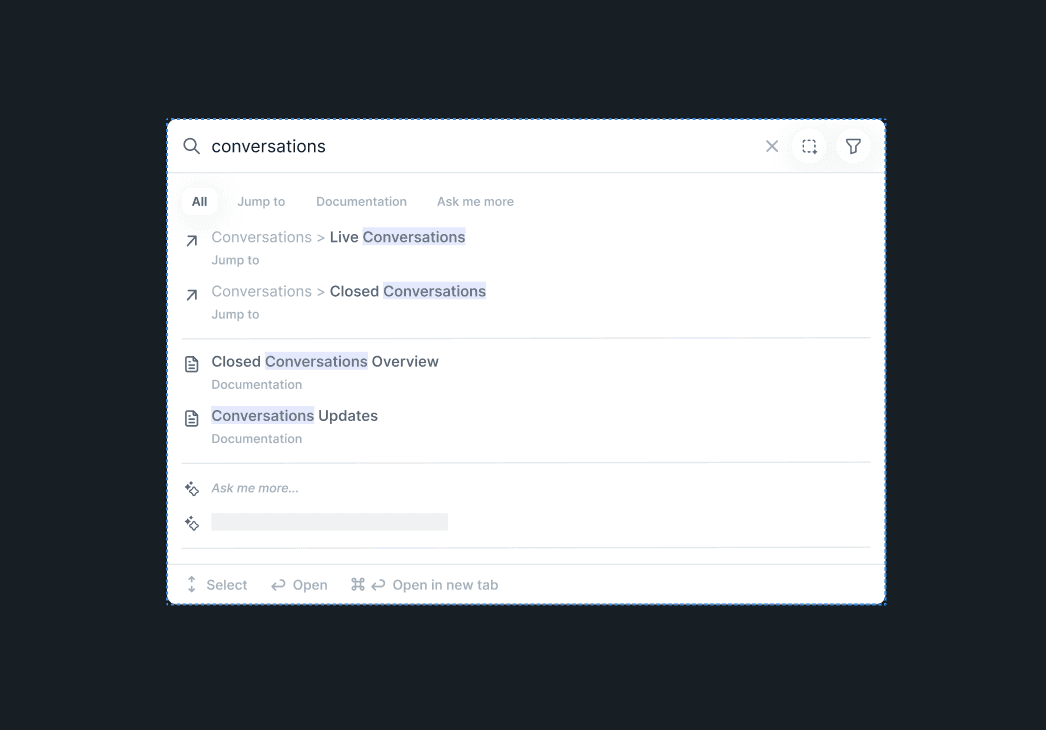
Search results
When a user types in a query, how should we rank/display all the possible results from top to bottom? If the user starts with "what", "why", it's likely natural language, not a feature name, thus the user is more likely to need “Documentation” than “Jump to”. This conversation design logic would allow results to preload before the user hits enter.
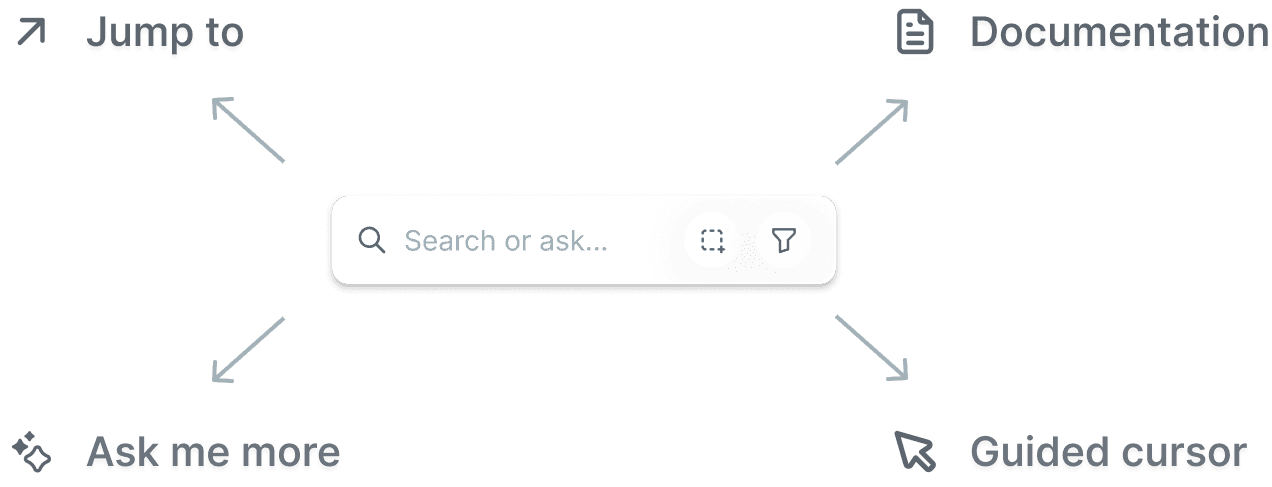
How are we going to communicate how each mode corresponds to a different content?
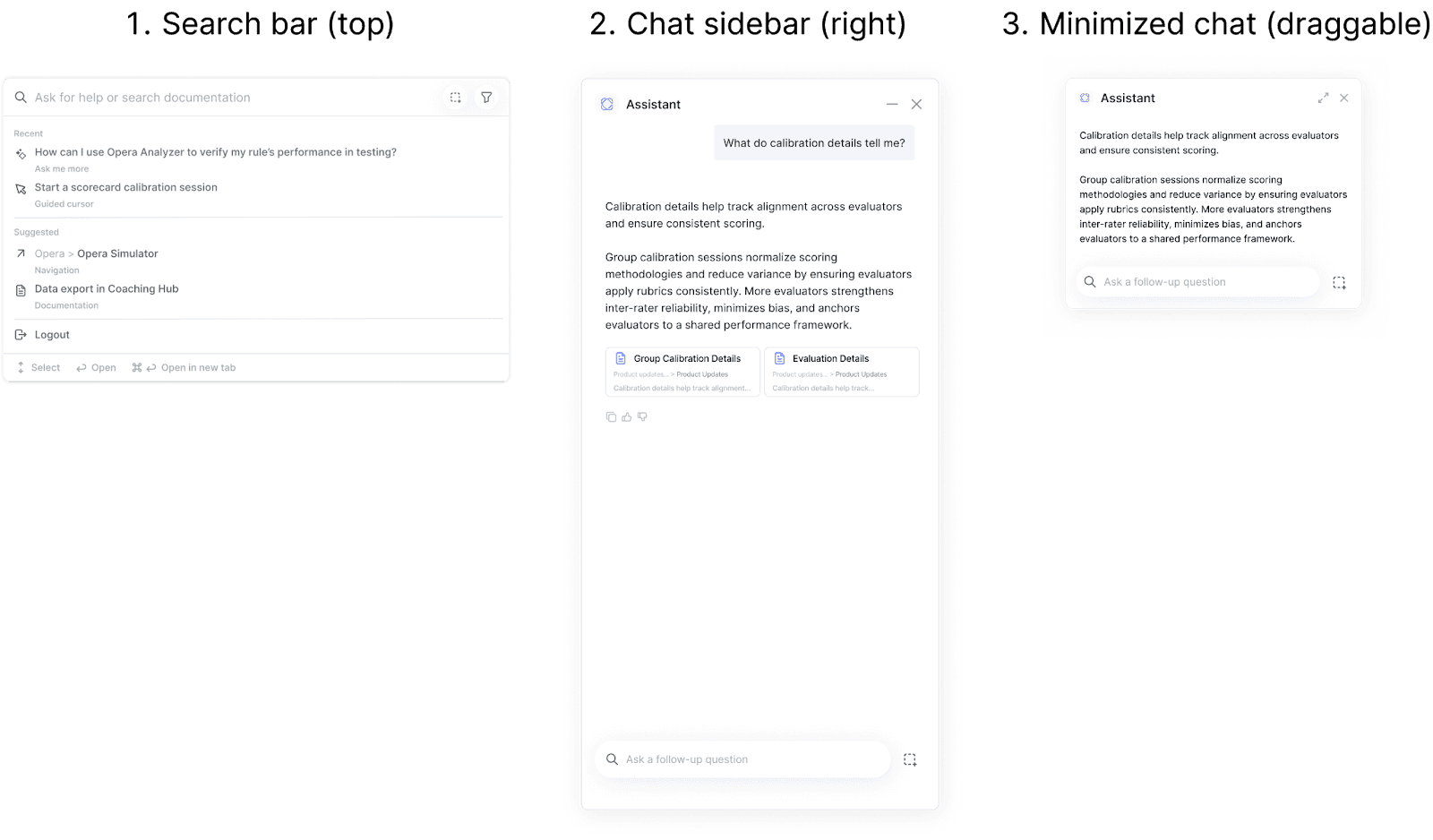
By automating the first step of moving/resizing for them.
Use current recognizable icons for minimize/close so users can control their mode.
Multi-modal
A user can search or ask something from an entry point that lives on their screen all the time, regardless of where they are in the product. Each search result acts like a door handle for a page or an action. Thus, the interface is multi-modal.
AI Chat
Customers can’t ask follow-up questions in typical search bar UI. This led creating a the multi-modal chat sidebar, which collapses and expands automatically, and can be automatically activated through the search bar.
Capture Screen
How do we allow the customer to provide enough context that we know exactly what they're asking? Humans are not great at articulating what they know. As designers, we are trained to be able to articulate our thoughts, but the average human will struggle to put exactly what they want into natural language.
Engineering cost/time considerations
In the backend, there are a few ways we can search, from substring to semantic to using an LLM. For cost and speed, when we surface results, we should carefully pick which ones we need for each result - essentially, which ones need to be deterministic and which ones need to be generative.
INITIAL PITCH
At company all-hands; leadership voiced the need for better customer support. The next day, myself and a fellow intern designed & coded a new product idea. This cursor project was a manifestation of two core ideas; AI agents need to point at things, and context is everything. It serves as an entryway into a whole suite of AI-assistive tools that help speed up workflow, point out product features, answer questions, conduct data analysis, and more.
cresta intelligence, 2025
Intelligent Search & Ask AI
PERSONAL ANECDOTE
Originally, this project was born out of passion and constrained a test of our technical limits within 24 hours. A month later, it had reached the CEO, obtained engineering resourcing, and was placed back on my desk, tasked to lead this project to completion in the final 2 weeks of my internship.
It wasn’t easy. Along the way, we received pushback as leadership thought it would be too costly to set up and maintain. So we built a demo to prove that maintaining the feature required no technical hours. Then, a more important feature request derailed the resourcing, where the CPO wanted us to modify our feature to fit customers’ websites as well as our own. I designed and built that demo again in a few hours:
Finally, leadership started share our excitement about our vision that this new AI feature had the potential to completely reimagine how we search, ask, and guide throughout our whole product. Scope enlarged to combine our existing CMD + K search bar, chatbots, ai analyst, and the guided cursor.
I strongly believe in the responsibility of visual impressions and aesthetics to influence human-computer interactions.
I graduate from Systems Design Engineering at the University of Waterloo in April 2026.
I document life through street photography and love to jam on an electric guitar. I'm always on the move - my footwear is cushioned by a skateboard, hiking boots, and seasonally, a pair of skis.